SQL Running Total Using SUM() OVER() in Oracle SQL – Practical Example
When working with sales data, sometimes we need more than just the total sales for a particular day.
For example, imagine your manager asks you to prepare a report showing daily sales along with the total revenue accumulated up to each date.
How would you calculate it?
This is where a Running Total, also known as a Cumulative Sum, becomes useful.
SQL provides a simple way to calculate running totals using the "SUM()" window function with the "OVER()" clause.
In this tutorial, let's solve a practical SQL problem using Oracle SQL.
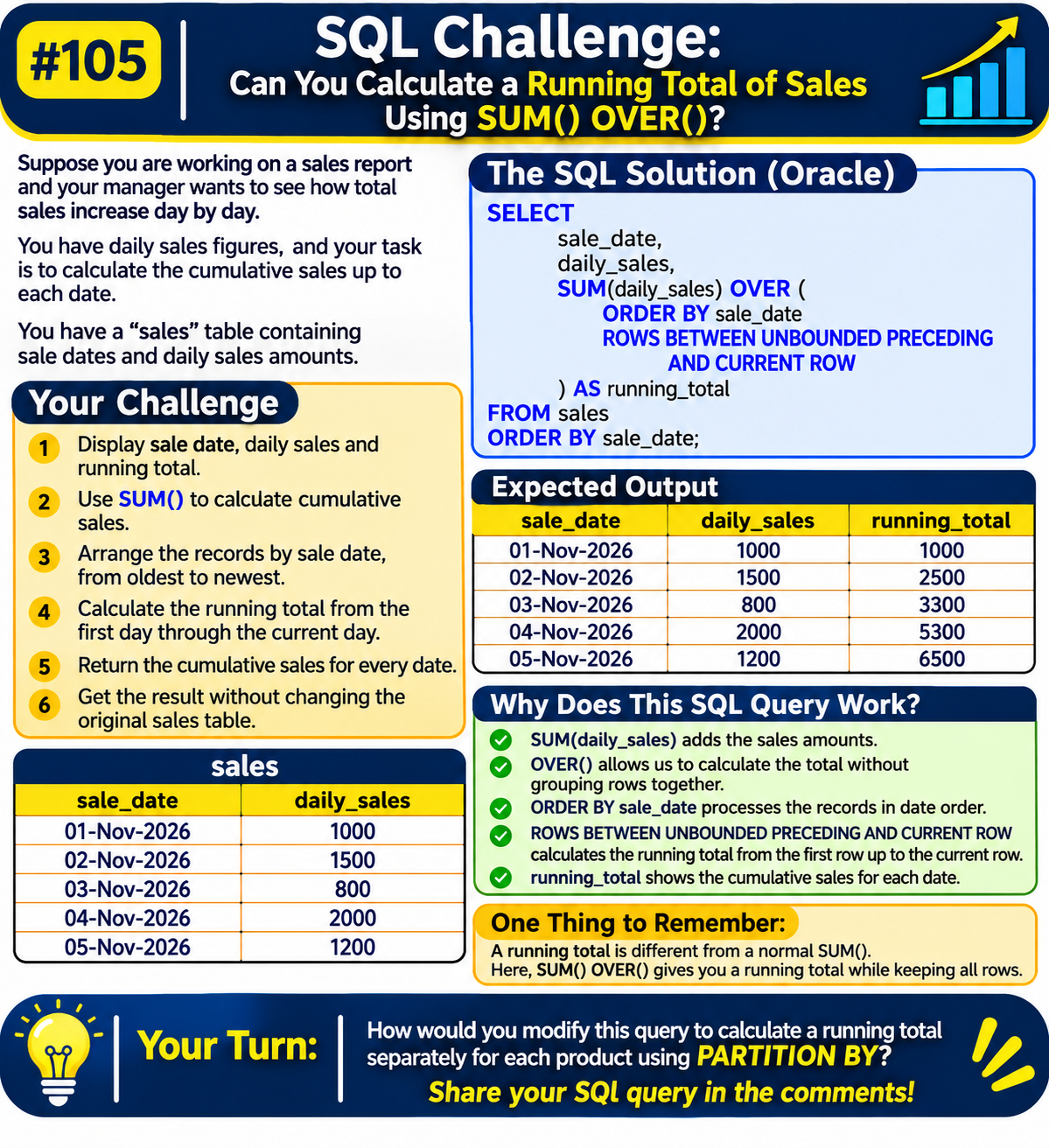
The Sales Table
Assume we have a table named "sales" containing daily sales information.
sale_date| daily_sales
01-Nov-2026| 1000
02-Nov-2026| 1500
03-Nov-2026| 800
04-Nov-2026| 2000
05-Nov-2026| 1200
Our requirement is to calculate the running total of sales for every date.
Your Challenge
Write an SQL query to:
- Display sale date, daily sales and running total.
- Use "SUM()" to calculate cumulative sales.
- Arrange records by sale date, from oldest to newest.
- Add each day's sales to the previous running total.
- Display the running total for every date.
- Get the result without changing the original sales table.
Try writing the query before checking the solution.
The SQL Solution (Oracle)
SELECT sale_date, daily_sales, SUM(daily_sales) OVER ( ORDER BY sale_date ROWS BETWEEN UNBOUNDED PRECEDING AND CURRENT ROW ) AS running_total FROM sales ORDER BY sale_date;
Expected Output
sale_date| daily_sales| running_total
01-Nov-2026| 1000| 1000
02-Nov-2026| 1500| 2500
03-Nov-2026| 800| 3300
04-Nov-2026| 2000| 5300
05-Nov-2026| 1200| 6500
As you can see, the running total increases with each new day's sales.
For example:
- First day: 1000
- Second day: 1000 + 1500 = 2500
- Third day: 2500 + 800 = 3300
- Fourth day: 3300 + 2000 = 5300
- Fifth day: 5300 + 1200 = 6500
Why Does This SQL Query Work?
Let's understand the important parts of the query.
- SUM(daily_sales)
Adds the daily sales amounts.
- OVER()
Allows SUM() to work as a window function without combining all records into a single row.
- ORDER BY sale_date
Processes the sales records in chronological order.
- ROWS BETWEEN UNBOUNDED PRECEDING AND CURRENT ROW
Defines which rows are included in the calculation.
- "UNBOUNDED PRECEDING" starts from the first row.
- "CURRENT ROW" includes the current row.
This means SQL calculates the total from the first date up to the current date.
One Thing to Remember
There is an important difference between a normal aggregate function and a window function.
- "SUM()": Calculates the total for a group of records.
- "SUM() OVER()": Calculates totals while keeping individual rows.
- "ORDER BY": Determines the sequence of the running calculation.
- "PARTITION BY": Allows separate running totals for different groups.
Window functions are useful when building sales reports, financial reports and business dashboards.
Your Turn
How would you modify this query to calculate a separate running total for each product using "PARTITION BY"?
Can you solve it without using a subquery or self-join?
Share your SQL query in the comments!
For more practical SQL tutorials, Oracle SQL examples and interview questions, visit "Sankalan Data Tech" (https://www.sankalandtech.com/Tutorials/sql-plsql-faq-interview/window-functions-analytic-functions-sql-faq.html).
#SQL #OracleSQL #WindowFunctions #DataAnalytics
Comments
Join the discussionNo comments yet. Be the first to comment.